School Visitor Management Systems for K-12


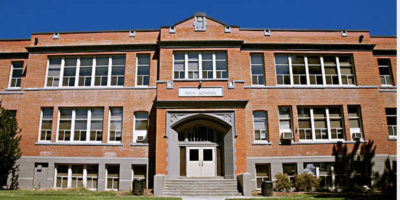 SchoolsVerify the identity of visitors, parents, and guardians when a children sign in and out of school.
 Hospital Visitor Management System for HealthcareControl environments by screening personnel, only allowing authorized individuals to enter areas.
 Correctional Facilities/JailsImprove security and reduce the risk of unauthorized movement and access.
 CorporateKeep track of visitors in real-time, ensuring only authorized individuals gain access to restricted areas.
 GovernmentScan live video feeds for known unwanted visitors within or outside of government agencies.
Eyemetric’s K-12 school visitor management system helps schools and districts securely manage visitor check-in and verify authorized parent or guardian pickup. School staff can screen visitors, print badges, and maintain real-time sign-in and sign-out records while automatically notifying parents or guardians when a student is dismissed.
Designed specifically for K-12 environments, Eyemetric goes beyond traditional corporate visitor management by adding layers of protection such as on-site sex offender registry screening, student and staff activity reporting, and configurable alerts—supporting safer campuses and more efficient front-office operations.
Sex Offender Check
Able to ingest data from your student information system
Customizable Visitor Badges
Texts to Parents or Guardians when a student is signed out
Outdoor DL Scanner-to verify a visitor BEFORE you let them into the building.
Built-in Tardy Tracking
Events functionality for expedited check-in for large groups
Emergency and Evacuation Alerts
Biometric Staff Check-in
Biometric Student Attendance
Face Matching Watchlist Technology, with the addition of the Eyemetric Face Matching Appliance
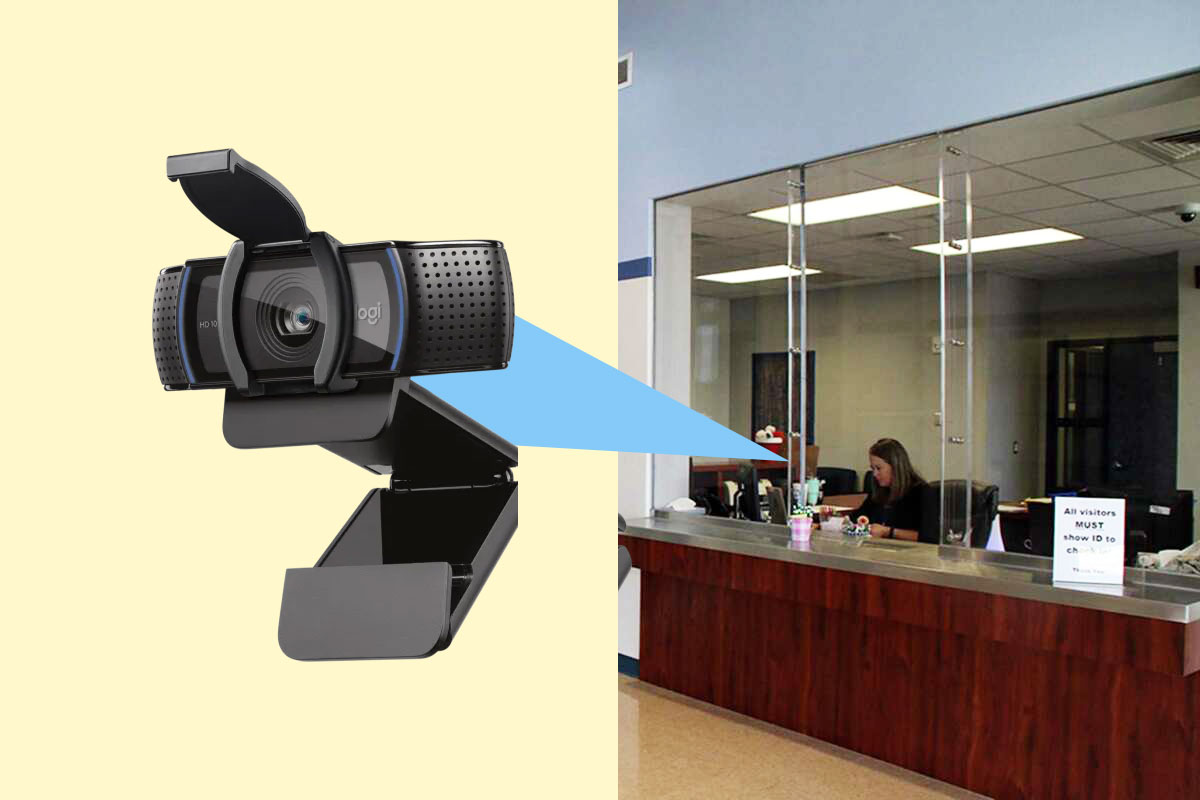
The visitor management systems implemented in our educational institutions are tailored to meet the unique needs of individual K-12 schools and school districts. These systems offer a secure method for school personnel to verify the identity of parents or guardians when a child is being signed out of school. Furthermore, they offer additional functionalities such as on-site sex offender screening through a nationally compiled database, the creation of visitor badges, the generation of reports on student and staff activity, and the prompt delivery of notifications to parents and guardians.
Screen visitors before they enter campus using configurable check-in policies and identity verification workflows.
Ideal for improving campus safety while reducing front office workload.
Confirm authorized pickup to help ensure students are released only to approved parents or guardians.
Designed to support safer dismissals and clearer reporting for administration.
Automatically screen visitors using configured checks aligned with your policies and local requirements.
Helps districts create consistent, enforceable visitor screening practices.
Issue clear visitor badges and generate reporting that supports safety, audits, and daily operations.
Improves on-campus visibility and strengthens documentation for school administration.
Notify the right staff quickly when a policy trigger occurs—without relying on manual communication.
Built to support faster response and better coordination during visitor events.
Manage multiple schools under one district framework while allowing each building to follow local procedures.
Designed for districts that need consistency, oversight, and scalable operations.
1) How does visitor screening work in K-12 schools?
Visitor screening typically starts at check-in. Staff can capture a visitor’s name and ID (if required), run a screening check based on district policy (such as watchlists and sex offender registry screening where enabled), and record the visit details (who they’re visiting, reason, time in/out) for audit history.
2) Does the system support parent pickup verification?
Yes. Schools can verify that a parent/guardian is authorized to pick up a student by checking against approved pickup contacts and documenting the pickup event (who picked up, student name, time, and staff member) to support safer dismissals and clear records.
3) Can we print visitor badges with photos?
Yes. Schools can print visitor badges that include a photo (captured at check-in or pulled from an approved source), visitor name, destination, date/time, and a visible expiration—helping staff quickly identify authorized visitors on campus.
4) Can it integrate with our SIS or district systems?
Many K-12 deployments support SIS integrations (directly or via secure import/export/API options). Common uses include validating student info, retrieving authorized pickup contacts, and syncing rosters. Availability depends on your SIS vendor and district requirements.
5) What reports and audit logs are available?
Typical reporting includes visitor history (by date range, person, destination), student sign-out/pickup logs, staff sign-in/out activity, badge issuance records, screening outcomes, and administrative actions. Audit logs help with incident review and compliance.
6) How are alerts and notifications sent to staff or parents/guardians?
Alerts can be configured to notify staff or parents/guardians based on events such as student dismissal, attempted pickup, or policy triggers. Delivery options commonly include email, SMS (if enabled), and in-app or administrative notifications depending on configuration.
7) Does the system work for multiple schools or an entire district?
Yes. Districts can manage multiple campuses under one system with centralized policies and reporting, while still allowing each school to configure workflows (badge formats, notification rules, pickup procedures) as needed.
8) What data security and privacy controls are included?
K-12 visitor management systems commonly include role-based access, configurable retention, audit trails, and secure storage/transmission. Controls can be aligned to district policies and applicable student privacy requirements.
Discover why Eyemetric is the premier provider of biometric safety software solutions.